Document System Tutorial Part 6 - Creating Records in Documents
In this part, we will discuss about document concepts and how to create records in an application.
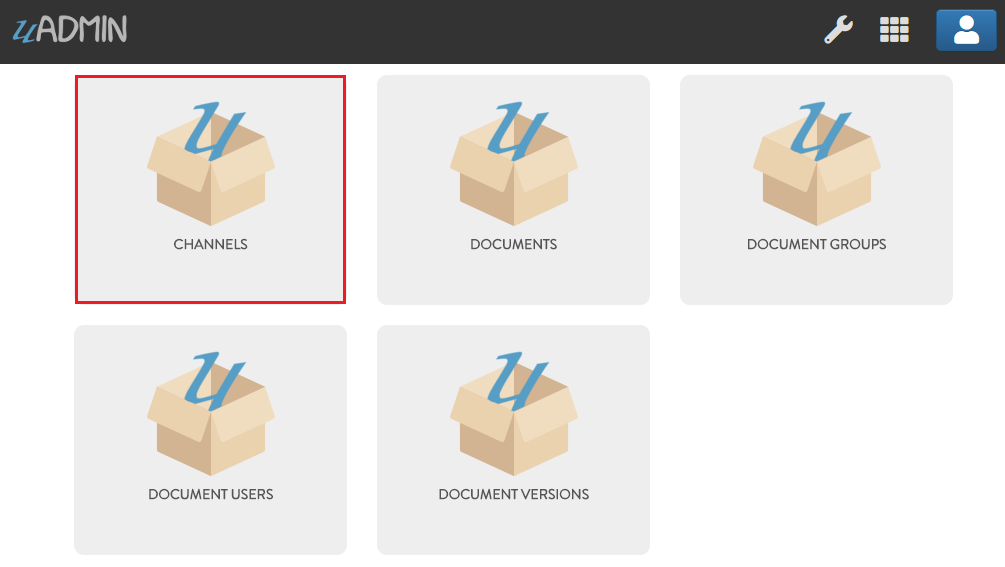
First of all, click CHANNELS.
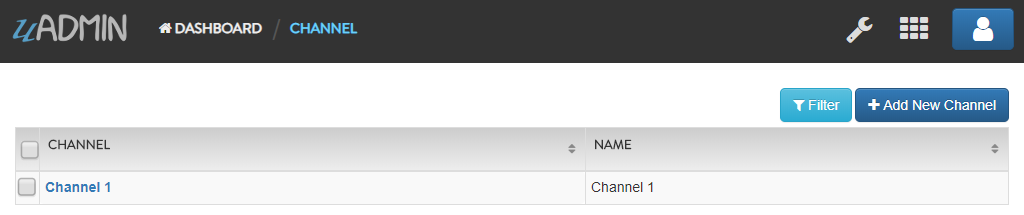
Click Add New Channel.

Input the channel name anything you want (e.g. Channel 1).
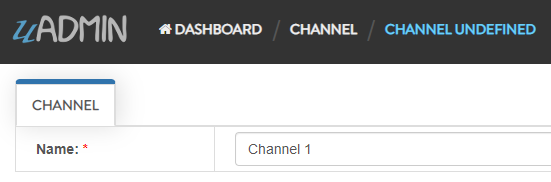
Result
Now go back to the Document System Dashboard then click DOCUMENTS.

Click Add New Document.

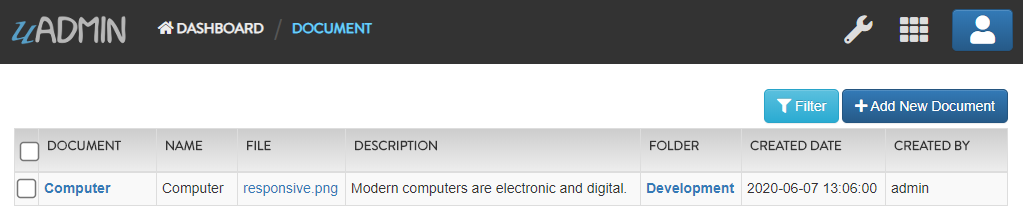
Input the following information except the CreatedBy field. This field will be automatically generated after you save the record that returns the full name of the logined user.
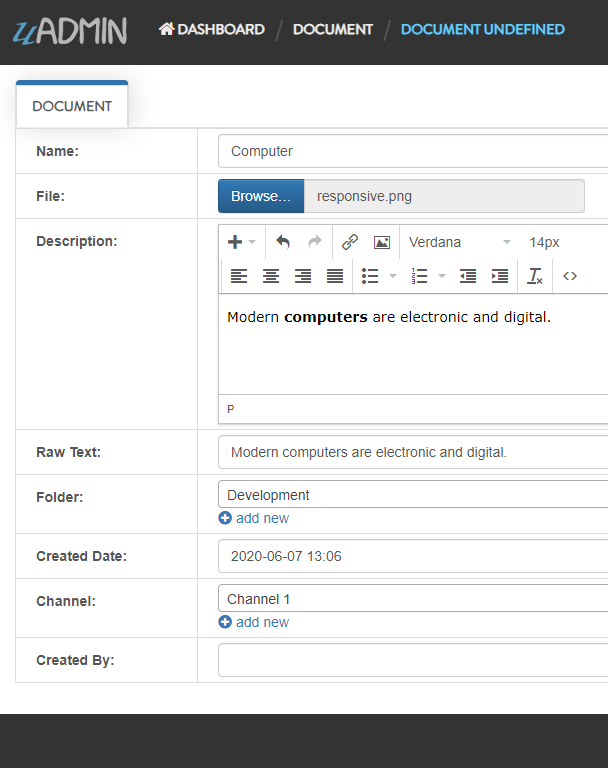
Result
Go back to the Document System Dashboard then click DOCUMENT GROUPS.
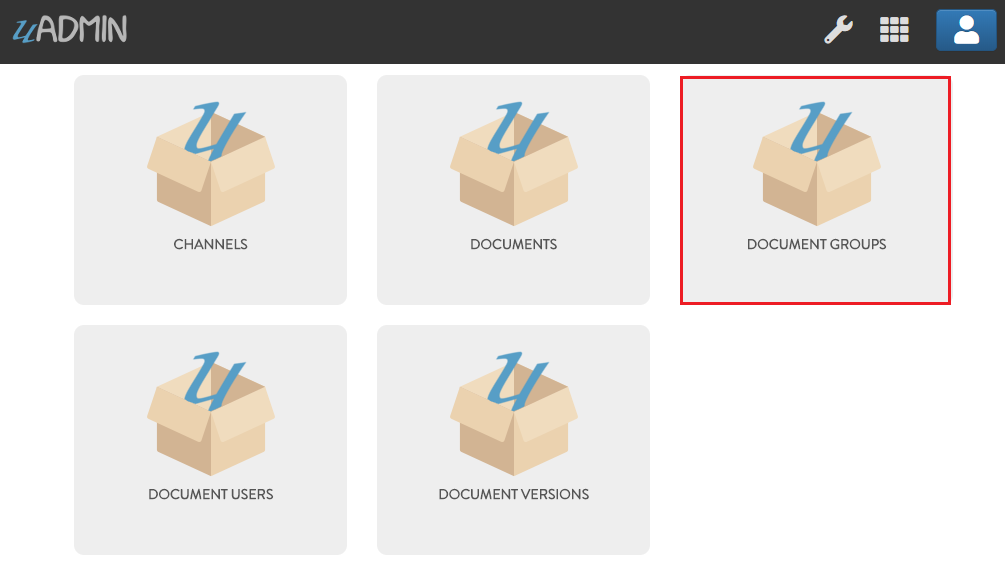
Click Add New Document Group.

Fill up the following information to create a new document group. In this example, let’s give access to read and add in the Developer group.
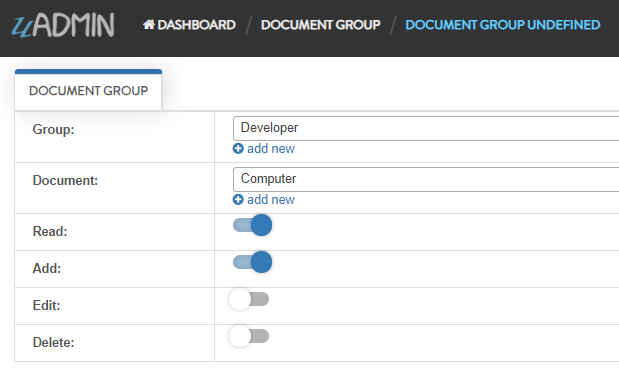
Result

Go back to the Document System Dashboard then click DOCUMENT USERS.

Click Add New Document User.

Fill up the following information to create a new document user. In this example, let’s give access to read and add in this document.
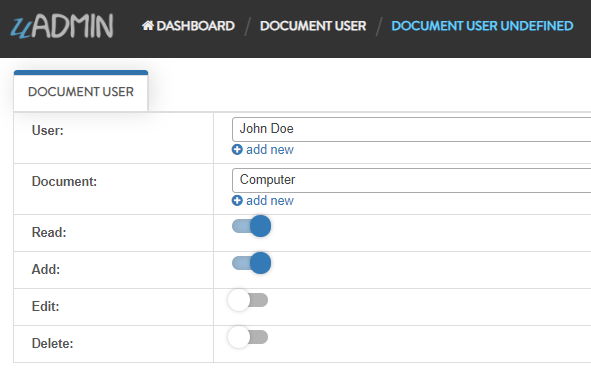
Result

Go back to the Document System Dashboard then click DOCUMENT VERSIONS.
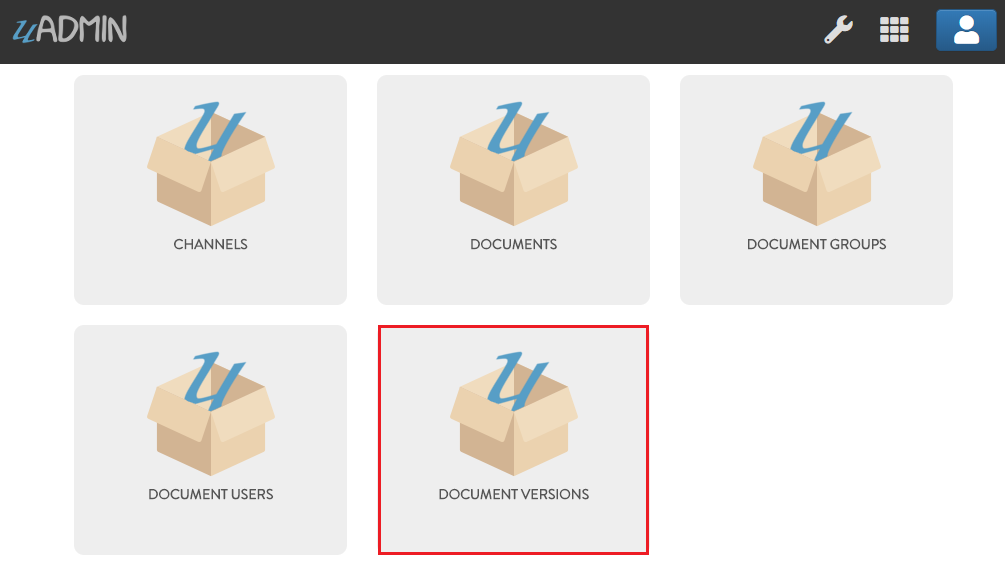
Click Add New Document Version.

Fill up the following information to create a new document version.
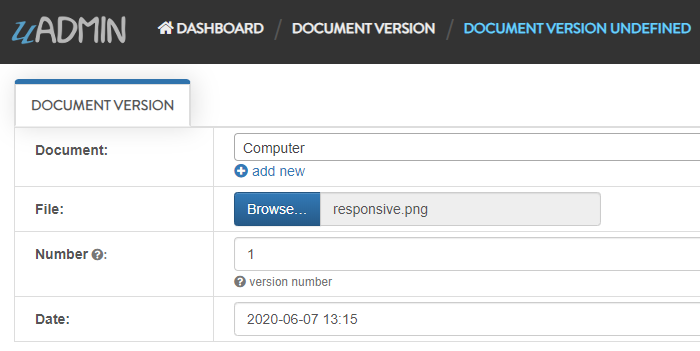
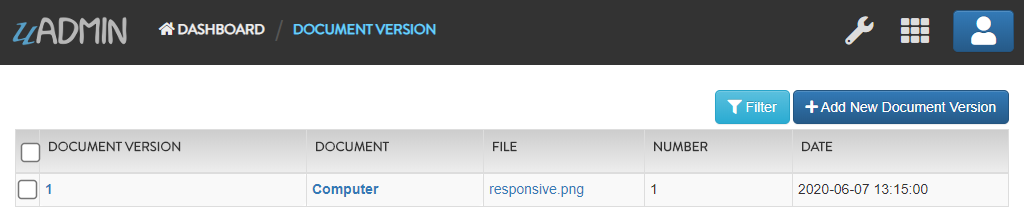
Result
Click here to view our progress so far.
In the next part, we will talk about register inlines that connects from a parent model to another model.